

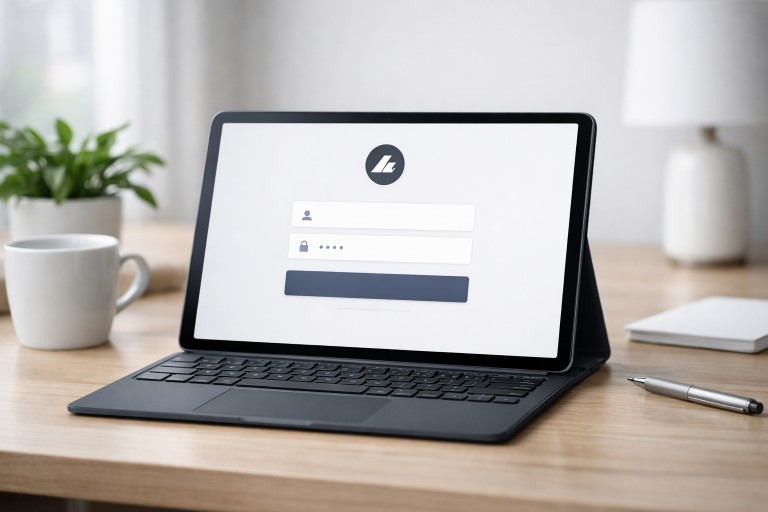
Creating an effective login page is critical to establishing a smooth, secure online experience. A well-executed design not only streamlines user access but also sets the foundation for trust from the very first interaction. Understanding the principles of login page design empowers designers and businesses to deliver truly user-centric authentication experiences that balance both usability and security.
Users expect login interfaces that are intuitive, quick, and visually consistent with the brand. Any frustration during the login process can lead to abandonment, whereas a seamless, visually pleasing design enhances engagement. By leveraging design strategies that prioritize simplicity and incorporate modern best practices, organizations can ensure that users enter their platforms with confidence and ease.
Integrating security measures is just as important as aesthetics. Today’s login pages serve as the gateway to sensitive personal information and must protect users through advanced authentication methods and robust protocols. The combination of clear design and strong security builds lasting relationships with users and supports business objectives.
As devices and user needs evolve, designers must keep innovation and accessibility at the forefront. Responsive login pages, multiple authentication options, and inclusive accessibility ensure a future-ready digital presence that resonates with the widest possible audience.
Simplicity and Clarity
Minimalism is key to reducing users’ cognitive load. The most effective login pages present only what users need to sign in, such as labeled input fields for username and password, a distinct login button, and a conveniently placed “Forgot Password?” link. By removing unnecessary elements and distractions, you help users focus and navigate the process easily.
- Label each input clearly to prevent confusion.
- Keep forms short and focused solely on essential elements.
- Position call-to-action buttons where they are easily visible.
- Limit visual clutter for a smooth login experience.
Responsive Design
Modern users access digital services from a range of devices, including smartphones, tablets, and desktops. It is imperative that your login page automatically adapts to various screen sizes and orientations. Responsive design not only widens your audience but also improves your website’s SEO and accessibility, making it an essential component of user-centric digital platforms. For more on responsive web standards, review this guide from SitePoint.
Multiple Authentication Options
Many users now expect options beyond traditional passwords. Offering alternative login options, such as Google or Facebook authentication, biometrics like facial recognition or fingerprint, and passkeys for passwordless login, meets user preferences and enhances security. This flexibility not only accommodates varied user needs but can also speed up the login process, providing a more satisfying and frictionless experience.
- Third-party logins (OAuth providers) reduce friction for users who distrust or forget passwords.
- Biometric authentication leverages device capabilities to provide fast, secure access.
- Passwordless solutions improve security and user satisfaction.
Security Measures
Prioritizing security at the login step is non-negotiable. All data transmissions should be secured with HTTPS to prevent interception. Multi-factor authentication (MFA) adds an extra layer of protection by verifying user identity beyond passwords. Implement safeguards, such as limiting login attempts, to thwart brute-force attacks. For comprehensive best practices in digital authentication, refer to CSO Online’s authentication guide.
- Enable secure protocols for all form submissions.
- Encourage or require the use of strong, unique passwords.
- Use alerts for suspicious login activity.
User-Friendly Error Messages
Well-designed error messages are critical for guiding users if login attempts fail. Instead of generic errors, provide clear feedback such as “Incorrect password” or “Account not found.” Include actionable advice and prompt users to reset their password or verify their credentials. A reassuring and friendly tone can ease user frustration and keep them engaged with your platform.
- Be specific about the issue encountered.
- Provide next steps with relevant links (e.g., ‘Forgot Password?’).
- Maintain polite and encouraging language.
Accessibility Considerations
Everyone should be able to access your login page, regardless of physical or cognitive ability. Comply with accessibility standards by ensuring logical keyboard navigation, strong color contrast for text and buttons, and screen reader-friendly labels. Accessibility not only extends your reach but also ensures compliance with regulations that protect the rights of people with disabilities.
- Label all form fields clearly for assistive technologies.
- Test navigation with only a keyboard.
- Follow WCAG guidelines for color contrast and navigation order.
Branding and Consistency
Login pages should be an extension of your brand. Consistent use of company colors, logos, and typography reinforces brand recognition and builds trust. Align design choices with your main website to create a cohesive and professional appearance throughout the user journey. A well-branded login page assures users they are in the right place and interacting with an authentic service.
- Display brand elements, such as the logo, near the login form.
- Maintain consistency in design language across all user-facing pages.
- Use colors and fonts that match your website to ensure a seamless transition.
Conclusion
Modern login page design blends usability with robust security to deliver the best user experience. By emphasizing simplicity, responsive design, multiple authentication options, stringent security, informative error messaging, and accessibility, coupled with consistent branding, organizations can build login pages that inspire confidence and maximize engagement. Continual improvements and keeping up with evolving standards will ensure users enjoy secure and satisfying access.